
Drawing Desk: Learn to Draw
Rating
10M - 50M
Downloads
Everyone
Age
Advertisement

Drawing Desk: Learn to Draw App Info
App Name
Drawing Desk: Learn to Draw
Package Name
com.axis.drawingdesk.v3
Developer
4Axis Technologies
Category
Art & DesignUpdated
2026-06-22
Version
11.0.4
Trusted by over 70 million users worldwide with over 100000+ 5 star reviews, Drawing Desk is the #1 app for learning and practicing drawing & painting skills.
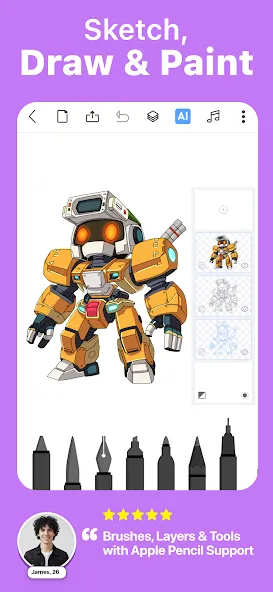
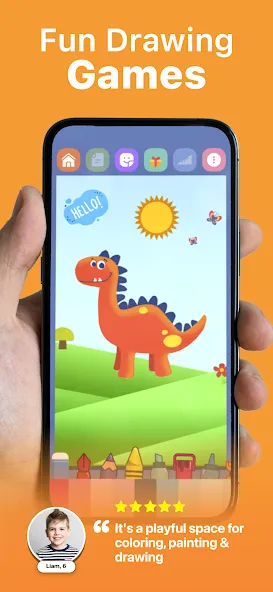
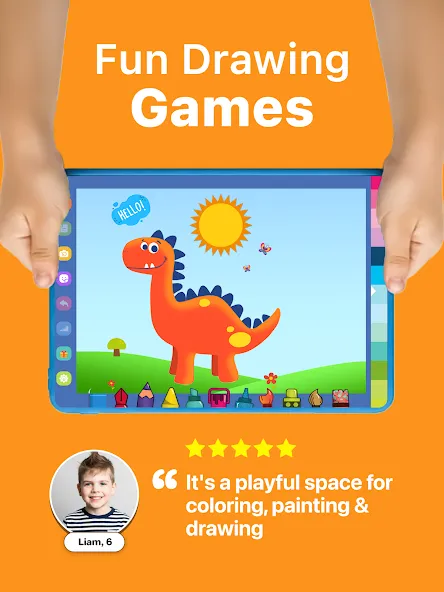
Now you can draw, doodle, sketch, paint or color with the Drawing Desk app on your phone or pad. Our unique collection of pro tools such as pencils, crayons, watercolor brushes and much more will help anyone to create amazing art works. Drawing Desk app is one of the best apps to learn and draw art or illustrations.
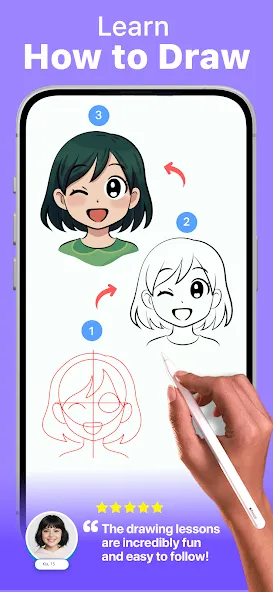
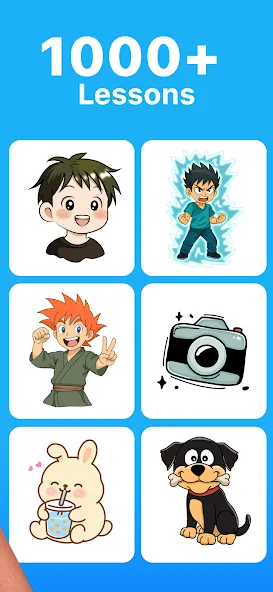
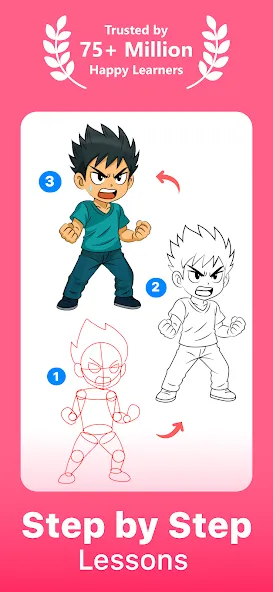
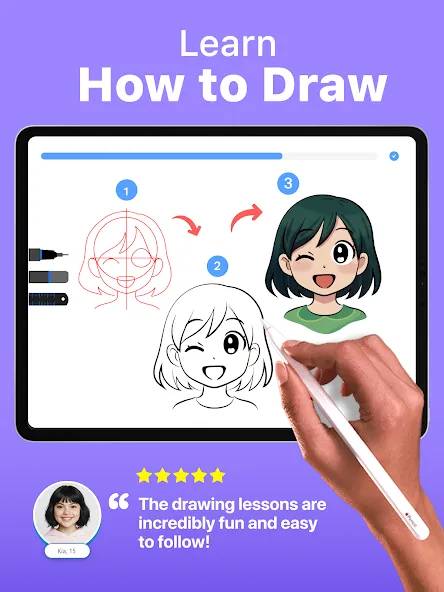
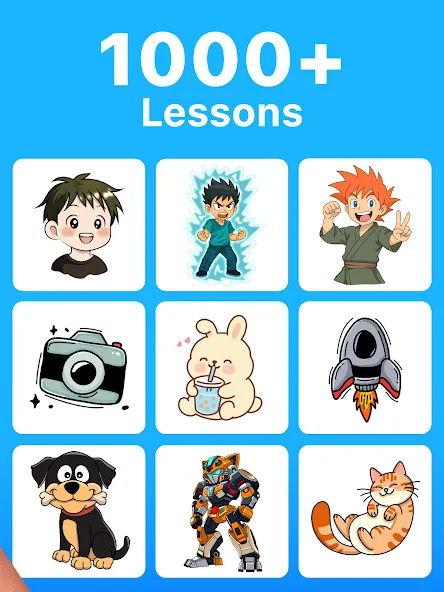
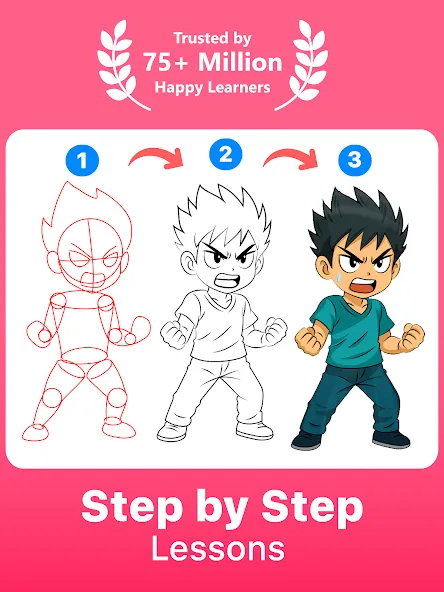
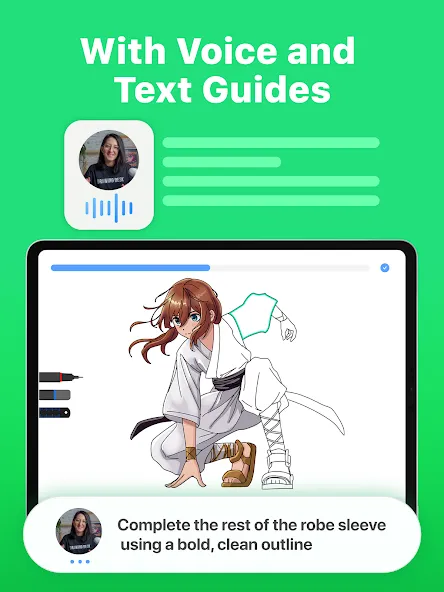
Learn How to Draw with 1000+ Step-by-Step Drawing Lessons!
- Explore a wide range of lessons including Anime, Manga, Kawaii, Caricatures, Doodles, Art Therapy, and more.
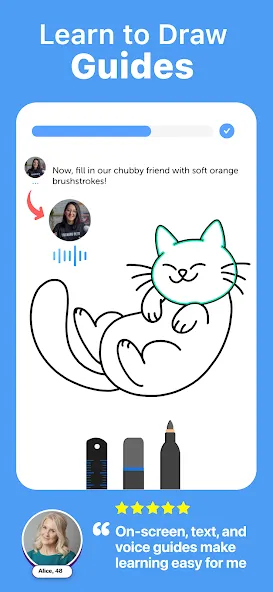
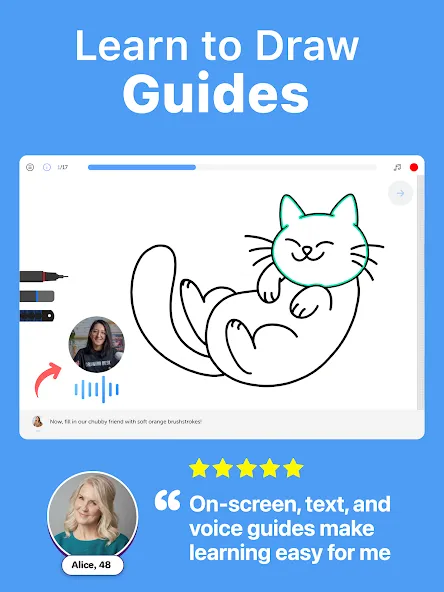
- Each lesson is consists of on-screen guides, text and voice guides
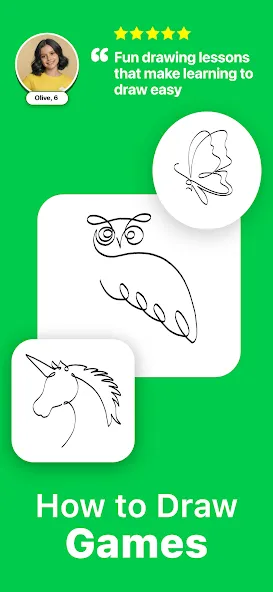
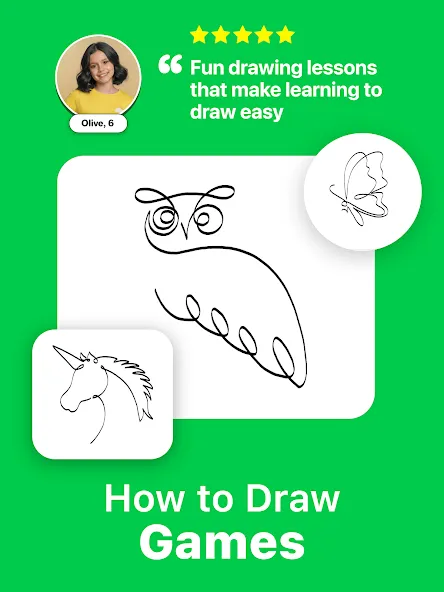
- These are interactive drawing games to help beginners learn from scratch and advanced learners to refine their skills.
Select From a Goal and create a structured learning path
- Choose your artistic goal and unlock a personalized plan with curated lessons, guiding you step by step through a structured learning path designed to keep you motivated and help you achieve it.
Learn to draw from scratch with Drawing Desk Masterclasses conducted by professional artists teaching the full process of drawing from the basics to advanced tips & tricks of Digital Art.
Masterclasses offer;
-Videos of a professional artist explaining the lessons
-Step-by-step on screen lesson guides
-Text & voice instructions
-Offer all the digital Drawing tools, in a single platform
Best app to draw, sketch ,paint and to practice drawing skills
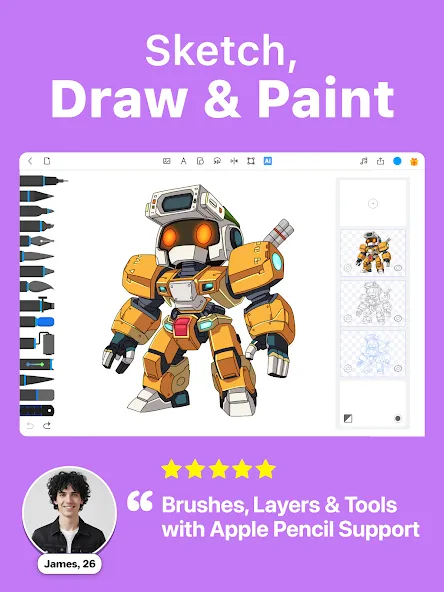
-25+ sketch tools including pen, pencil, crayon, neon, watercolor brush, ink, smudge, eraser, fill bucket
-Draw & paint in various Canvas sizes (Pad app only)
-Unlimited layers
-Draw Quick Shapes
-Draw your art using a symmetry tool.
-200+ instant shapes to draw & paint
-Color palettes & gradients for painting
-Fill bucket drawing tool with 125+ textures
AI Powered Creative Drawing Tools
-Enjoy Sketch to Art AI & Text to Art AI tools
-Auto Colorize - Color your sketch or drawing in 10 seconds.
-AI drawing tools to remove background from photos & drawings
-AI drawing tools to remove objects from photos & drawings
DOWNLOAD DRAWING DESK GAME!
Drawing Desk game is for anyone who likes drawing, painting, designing, and learning digital art. The Drawing Desk game has been developed to make sketching, painting, designing, and learning digital art enjoyable.
Drawing Desk is an app that caters to the creative spirit in everyone. It is truly the best app to draw, paint & scribble, and create professional digital illustrations and art.
Advertisement
Drawing Desk: Learn to Draw
Rating
10M - 50M
Downloads
Everyone
Age
Get it on
Google Play
Get it on
App Store