
Productivity
4.8
Personalization
Ratings
Downloads
Age
How would you like to continue?
Advertisement
Advertisement
Name
Category
Price
Safety
Developer
Version
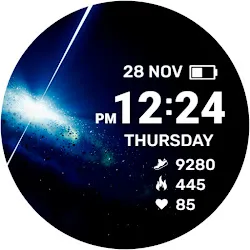
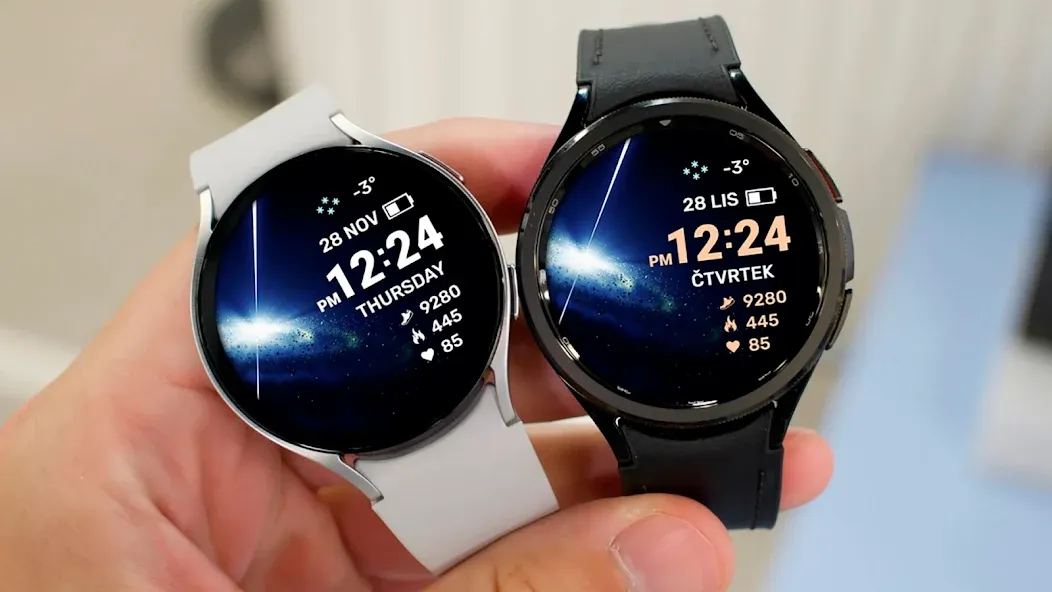
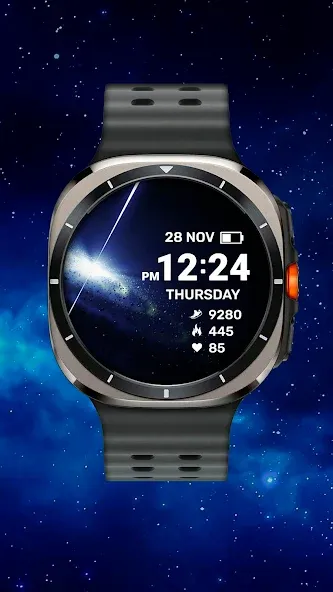
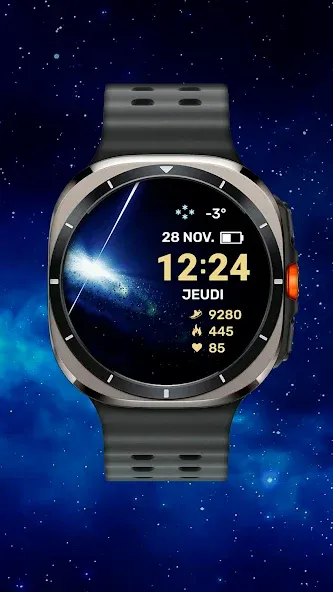
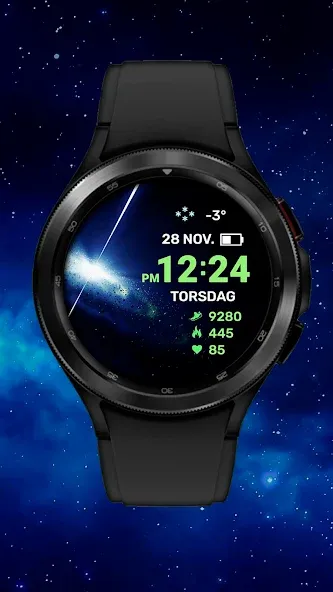
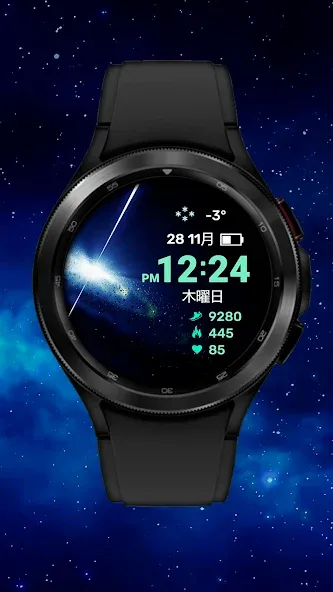
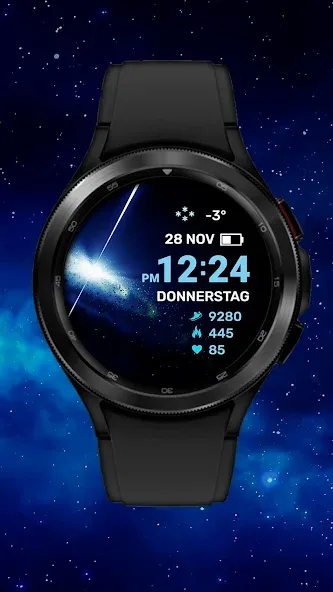
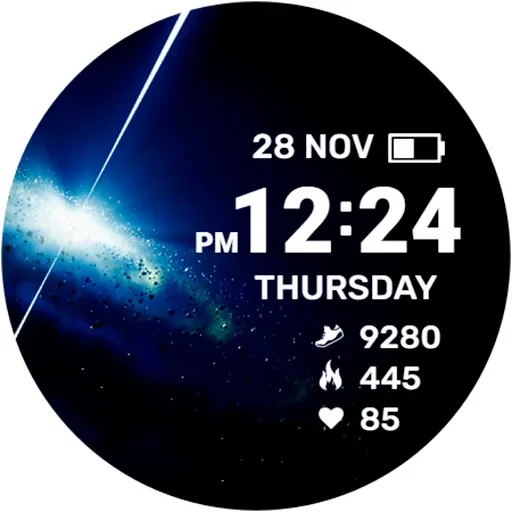
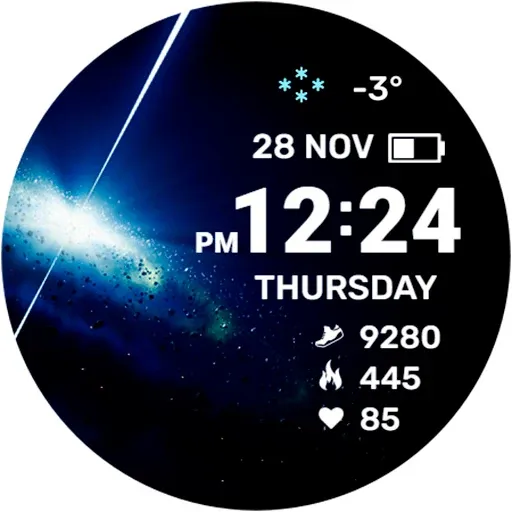
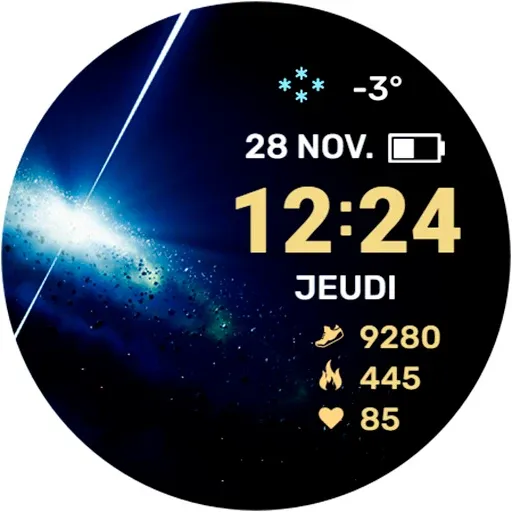
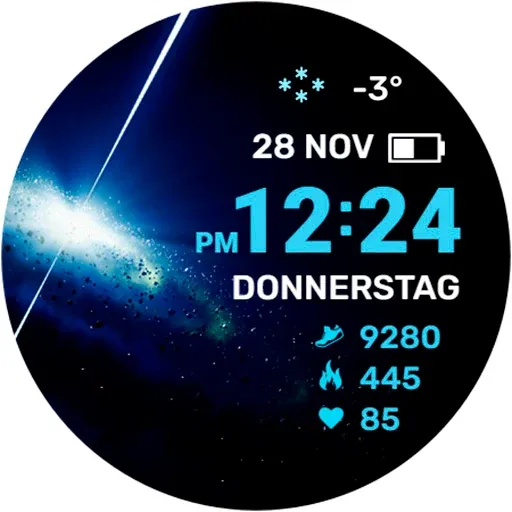
Watch face for Wear OS smartwatches supports the following functionality:
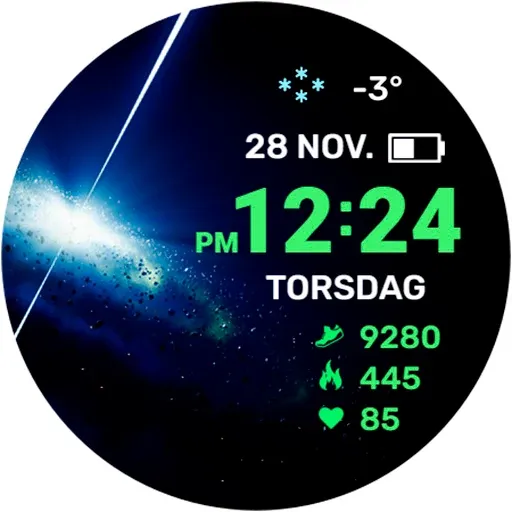
- Display of the current time with automatic switching of 12/24 hour modes. The watch display mode is synchronized with the set mode on your smartphone
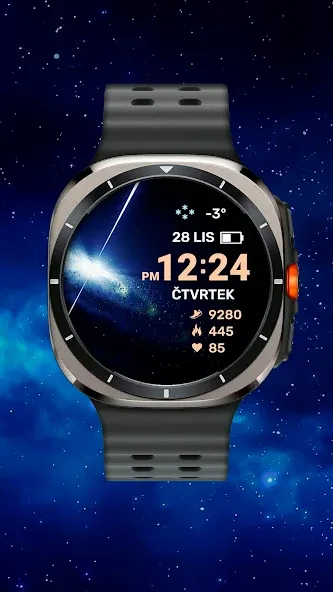
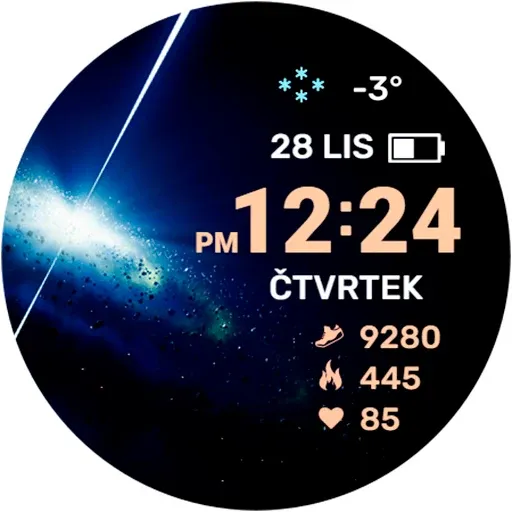
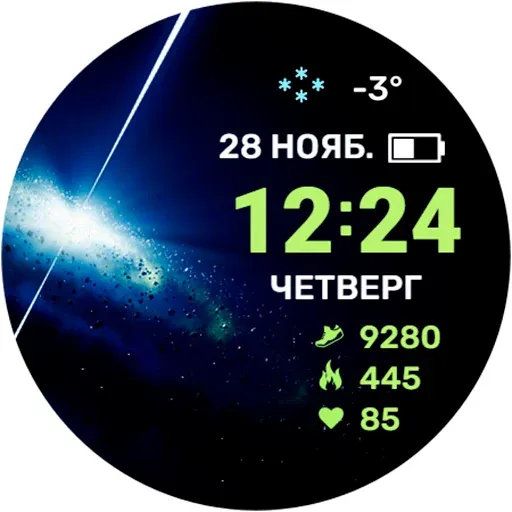
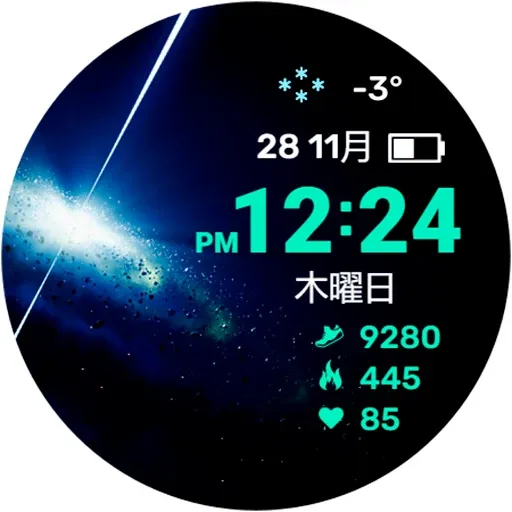
- Display of the current date. The day of the week and month are multilingual. The display language is synchronized with the settings of your smartphone
- Display of information about the number of steps taken
- Display of the number of calories burned
- Display of the current heart rate
CUSTOMIZATION:
You can choose one of the color schemes for displaying time and fitness data
To display the weather, you need to assign the display of data from the Weather application to the information zone in the watch face settings. You can display data from another application installed on the watch. But in this case, there is no guarantee that the data will be displayed correctly, since not all applications are optimized for this.
IMPORTANT! I can guarantee the correct operation of the information zone only on Samsung watches. Unfortunately, I cannot guarantee operation on watches from other manufacturers. Please take this into account when purchasing a watch face.
There is also one feature in displaying the weather on the Samsung Galaxy Watch Ultra - as of 11/28/24, weather data (stock Samsung application) in this watch is displayed incorrectly due to software. You can use weather data from third-party applications.
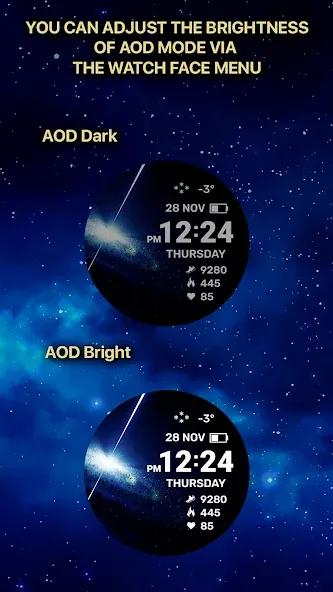
I made an original AOD mode for this watch face. In order for it to be displayed, you need to activate it in the menu of your watch. In this case, the AOD mode can work in two modes
- Economy is enabled by default (has the value “AOD Dark” in the menu)
- Bright (has the value “AOD Bright” in the menu). Please note! In this mode, battery consumption will be higher
For comments and suggestions, please write to e-mail: [email protected]
Join us on social networks
https://vk.com/eradzivill
https://radzivill.com
https://t.me/eradzivill
https://www.facebook.com/groups/radzivill
Sincerely,
Eugeniy Radzivill
1. General Information The information provided by MoboReview ("we," "us," or "our") on moboreview.com is for general informational and educational purposes only. All information on the Site is provided in good faith, however, we make no representation or warranty of any kind, express or implied, regarding the accuracy, adequacy, validity, reliability, availability, or completeness of any information on the Site.
2. Affiliate Disclosure (FTC Compliance) MoboReview believes in transparency. Some of the links on our website may be affiliate links. This means that if you click on the link and download or purchase an app or product, we may receive a small commission at no extra cost to you. This helps keep our website running. Regardless of affiliate relationships, we only recommend apps and services that we genuinely believe will add value to our readers.
3. Editorial Independence & Sponsored Content From time to time, we may receive free access to premium apps, software, or promotional items from developers in exchange for a review. We may also occasionally publish sponsored content. However, compensation never dictates our editorial content. All reviews, opinions, and ratings expressed on MoboReview are strictly our own and are based on hands-on testing and objective analysis.
4. App Changes and Accuracy The tech world moves fast. While we strive to keep our reviews as accurate and up-to-date as possible, app developers frequently update features, change pricing models (e.g., switching from free to subscription), or remove apps from the app stores altogether. MoboReview is not responsible for any discrepancies between our review and the current state of an app. We highly encourage you to verify the app’s features, pricing, and compatibility on the official App Store or Google Play Store before downloading or purchasing.
5. External Links Disclaimer The Site may contain links to other websites or content belonging to or originating from third parties. Such external links are not investigated, monitored, or checked for accuracy, adequacy, validity, reliability, availability, or completeness by us. We do not warrant, endorse, guarantee, or assume responsibility for the accuracy or reliability of any information offered by third-party websites linked through the site.
Productivity

Communication

Social

Photography
Communication

Photography

Arcade

Action

Adventure

Casual

Action

Action
Welcome to MoboReview, an independent mobile app discovery and review platform.
We provide editorial content, app reviews, feature summaries, comparisons, and recommendations to help users discover useful mobile applications and games. Our goal is to make it easier for users to understand different apps, explore their features, and find applications that match their interests and needs.
MoboReview does not develop, distribute, or host mobile applications. We are not an app marketplace and we do not provide direct downloads of applications. When users choose to install an app, they are redirected to official third-party platforms, such as Google Play Store or Apple App Store, where downloads, installations, and related services are handled by the respective app developers and platform providers.
Our content is created for informational and educational purposes. We review and organize publicly available information about mobile applications, including app features, user experiences, functionality, and general usage information.
We aim to provide transparent, helpful, and independent content for mobile users around the world.