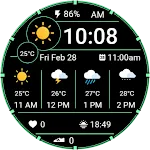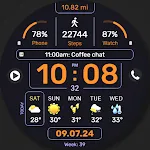
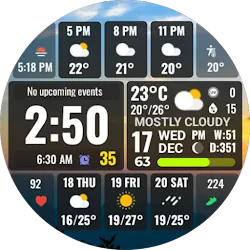
Full Weather Forecast NTV601 icon

Full Weather Forecast NTV601

Personalization

0.0

Ratings

100 - 500

Downloads

3+

Age

Select Your Path

How would you like to continue?

Advertisement
Screenshots

Full Weather Forecast NTV601 screenshot 1
Full Weather Forecast NTV601 screenshot 2
Full Weather Forecast NTV601 screenshot 3
Full Weather Forecast NTV601 screenshot 4
Full Weather Forecast NTV601 screenshot 5
Full Weather Forecast NTV601 screenshot 6
Full Weather Forecast NTV601 screenshot 7
Full Weather Forecast NTV601 screenshot 8
Full Weather Forecast NTV601 screenshot 9
Full Weather Forecast NTV601 screenshot 10
Full Weather Forecast NTV601 screenshot 11
Full Weather Forecast NTV601 screenshot 12
Full Weather Forecast NTV601 screenshot 13
Full Weather Forecast NTV601 screenshot 14
Full Weather Forecast NTV601 screenshot 15
Full Weather Forecast NTV601 screenshot 16
Full Weather Forecast NTV601 screenshot 17
Full Weather Forecast NTV601 screenshot 18
Full Weather Forecast NTV601 screenshot 19
Full Weather Forecast NTV601 screenshot 20
Full Weather Forecast NTV601 screenshot 21
Full Weather Forecast NTV601 screenshot 22
Full Weather Forecast NTV601 screenshot 23
Full Weather Forecast NTV601 screenshot 24
Full Weather Forecast NTV601 screenshot 25
Full Weather Forecast NTV601 screenshot 26
Full Weather Forecast NTV601 screenshot 27
Full Weather Forecast NTV601 screenshot 28
Full Weather Forecast NTV601 screenshot 29
Full Weather Forecast NTV601 screenshot 30
Full Weather Forecast NTV601 screenshot 31
Full Weather Forecast NTV601 screenshot 32
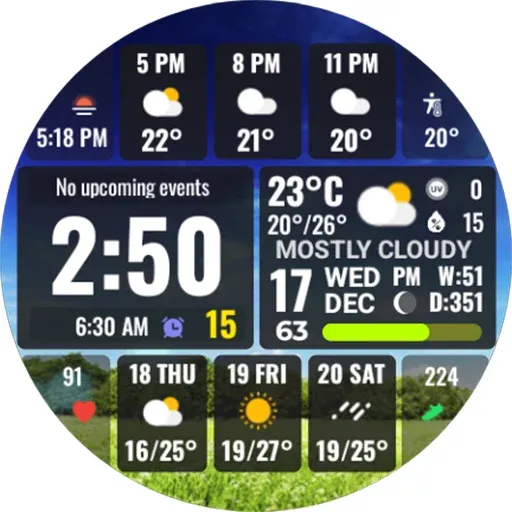
WFP 341 Informer watch face
4.4

Advertisement
About this app

Name

Full Weather Forecast NTV601

Category

Personalization

Price

Free

Safety

100% Safe

Developer

NTV Watchfaces

Version

Varies with device

Description

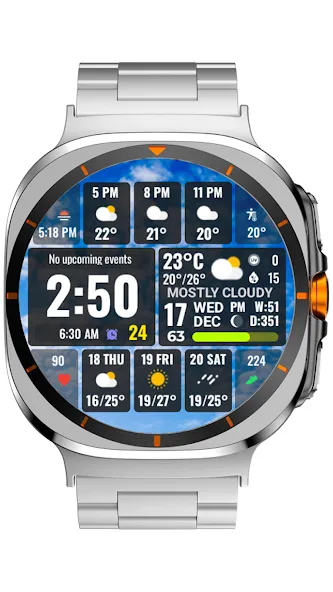
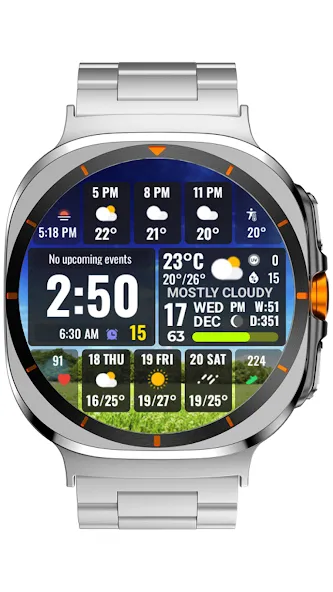
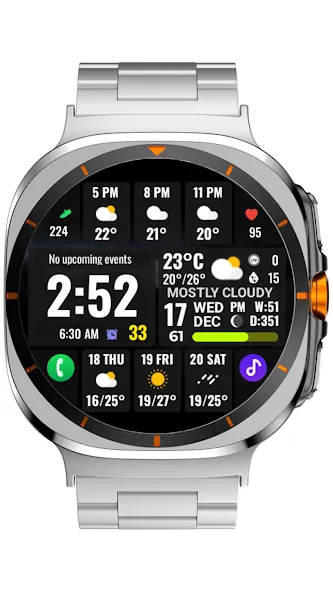
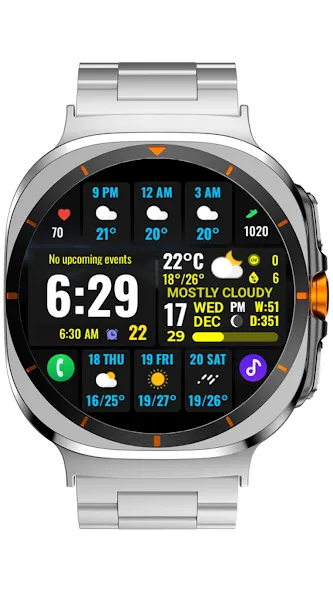
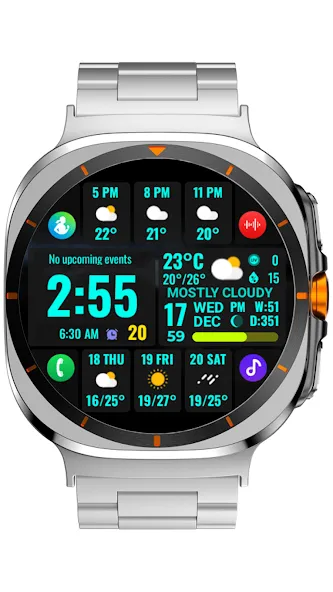
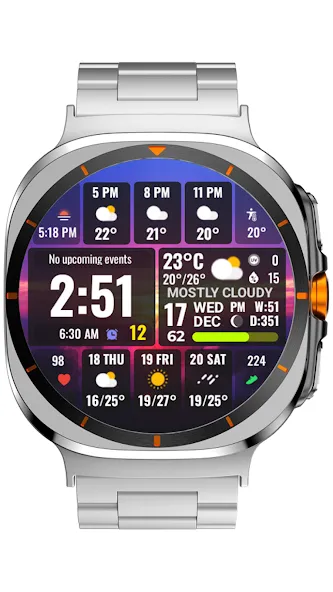
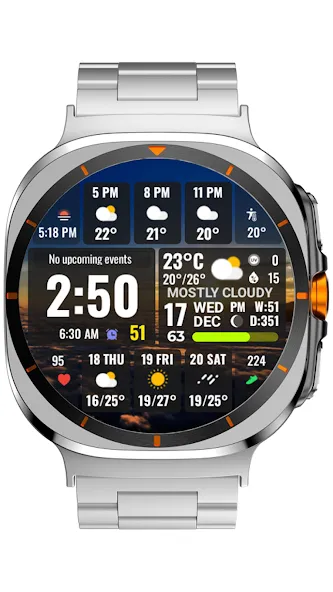
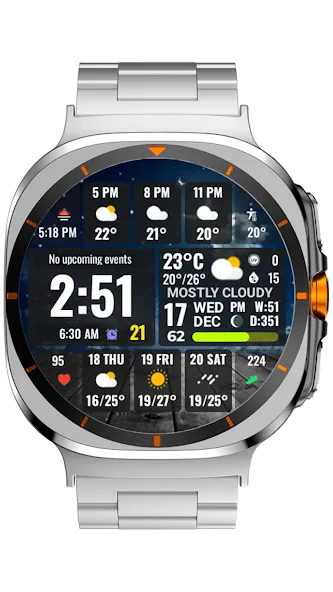
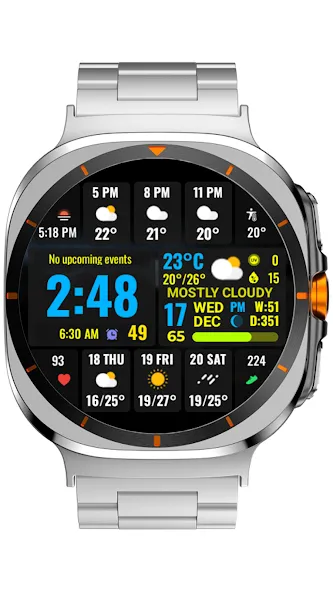
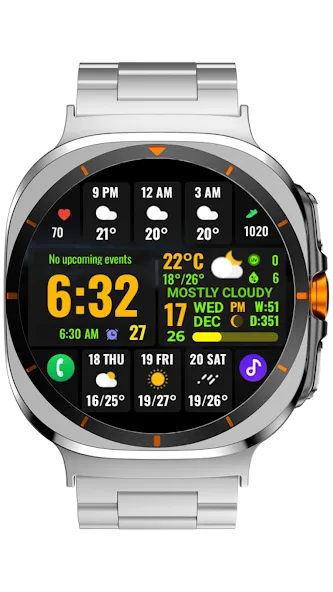
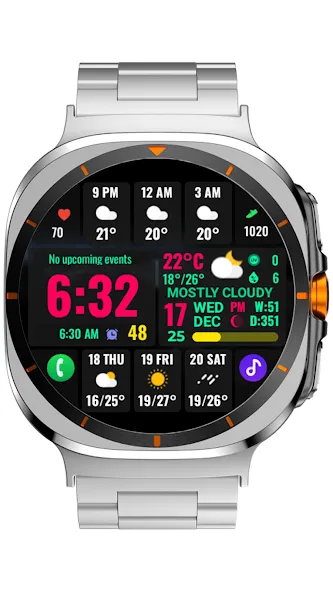
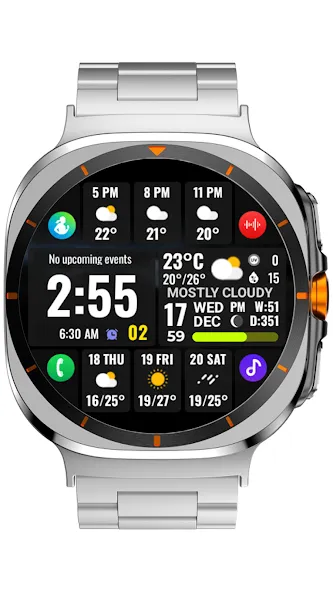
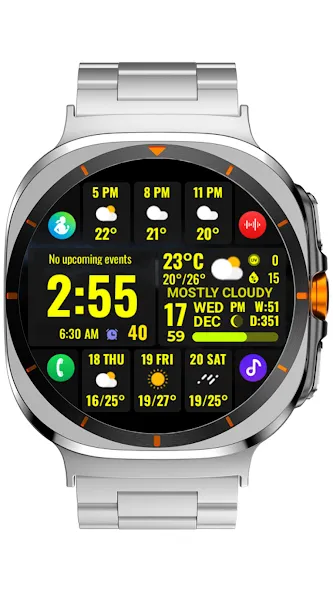
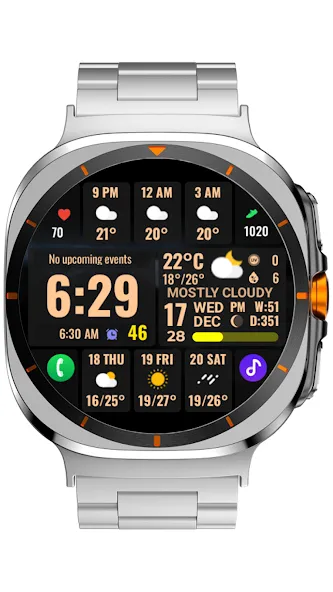
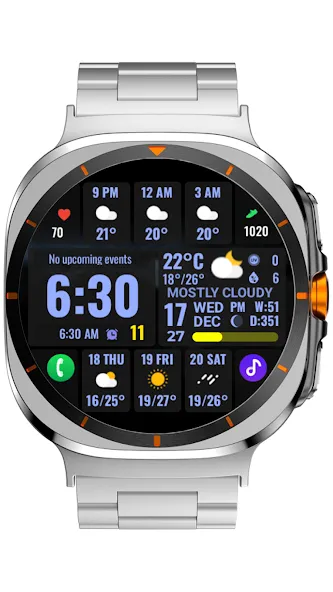
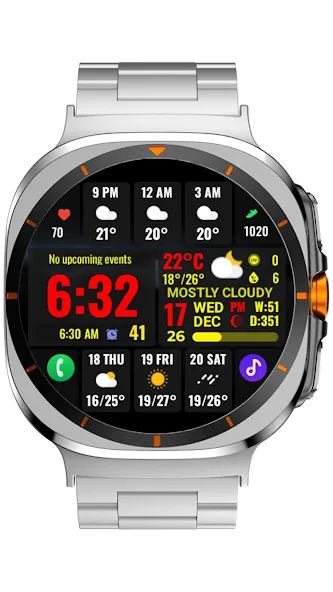
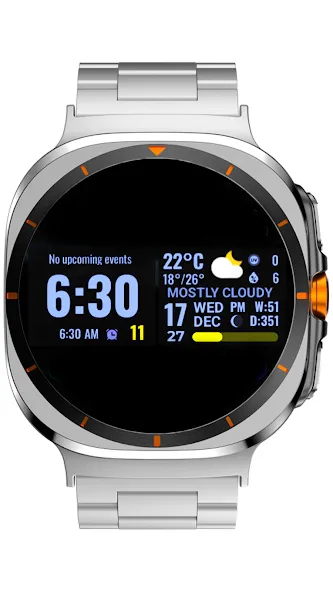
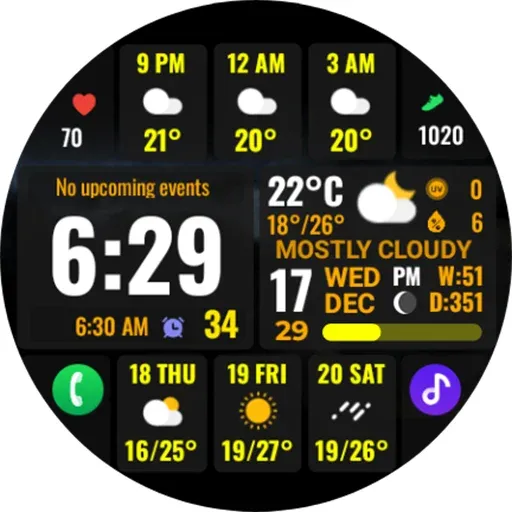
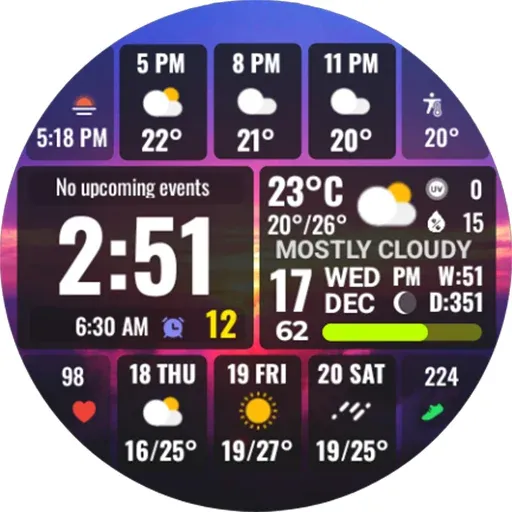
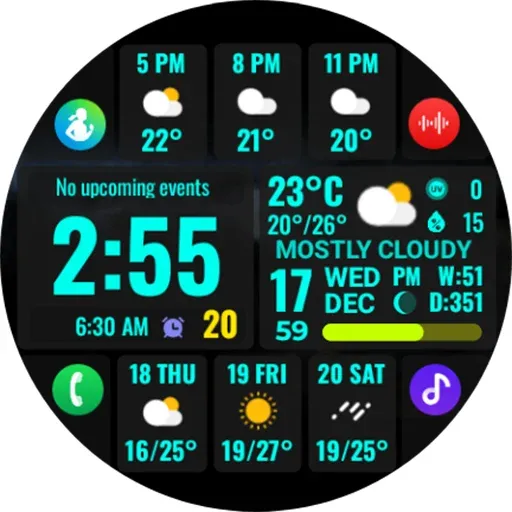
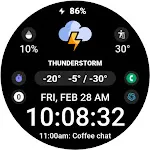
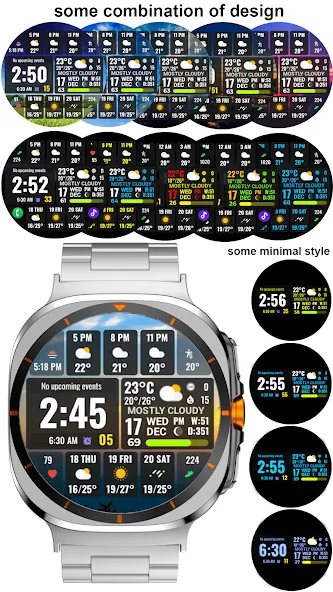
  • Watch face Customize: Long press watch screen, press Customize:
    - Minimal: x2 (informative or minimal)
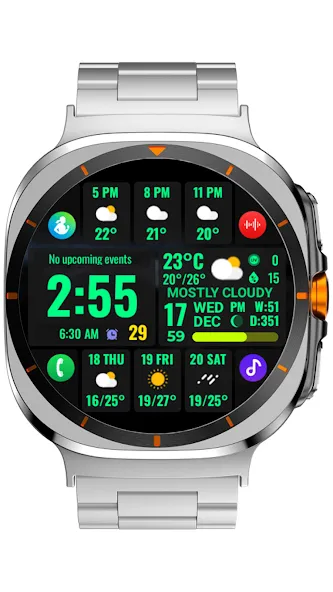
    - Color: x 30
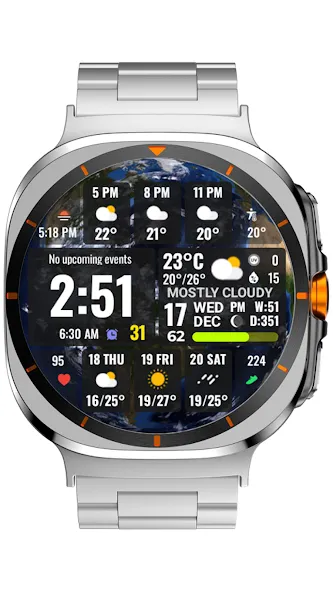
    - Background: x10
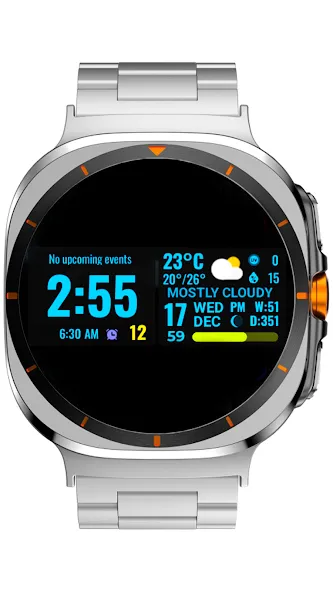
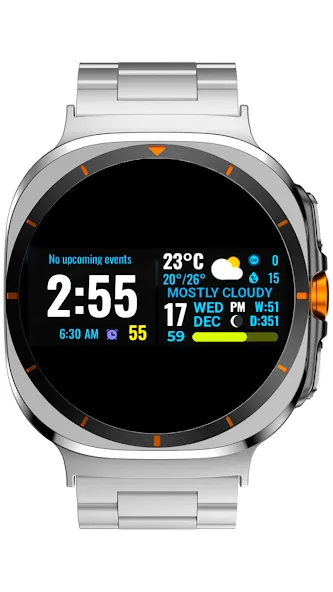
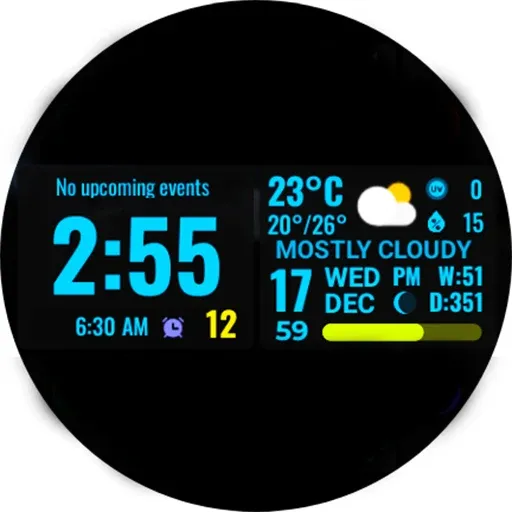
    - AOD settings: x 4 (change information display on AOD mode)
    - Complication: x 6
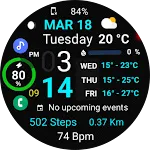
    + 6 custom information display (Step counts, heartrate, Feel like temp., chance of rain, UV index, sunset/sunrise, alarm, world clock, Barometer, phone battery, next event, world clock…)() including 4 complications that can be used for custom app shortcuts.

    Watch face Features:
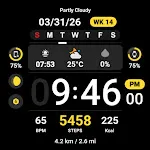
    - Digital clock (12H/24H)
    - Day display (mutilanguage display)
    - Date display (mutilanguage display)
    - Month display(mutilanguage display)
    - Week in year display
    - Day in year display
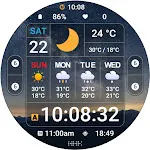
    - Moon phase image (type of moon phase image: 7)

    - Current weather icon (day and night icons)
    - Current weather temperature
    - Current weather low/high temperature
    - Current weather condition name
    - UV index display
    - Humidity % display
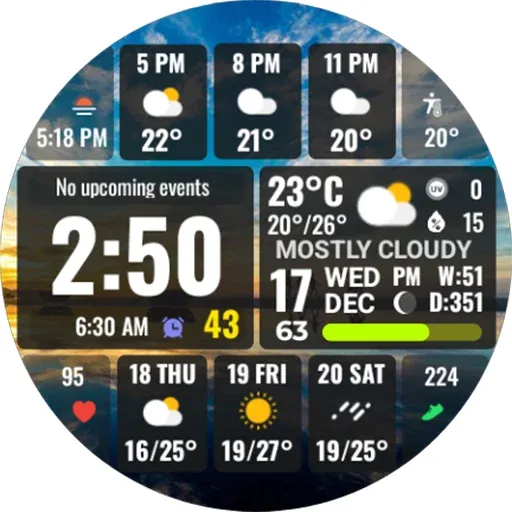
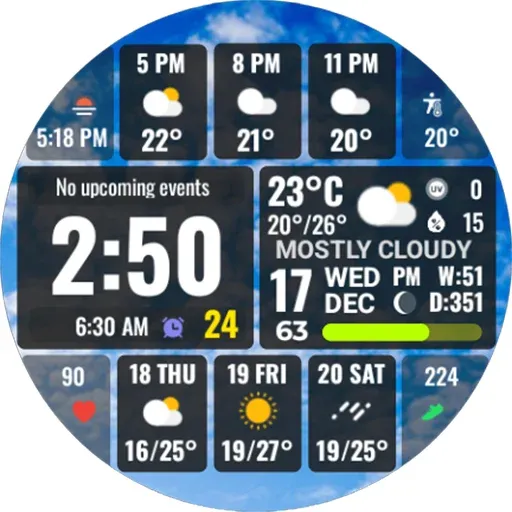
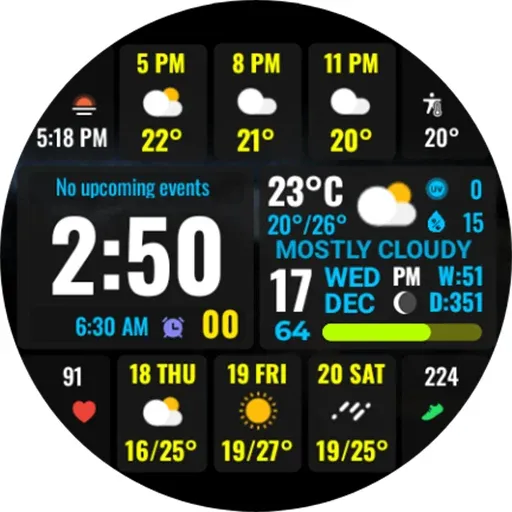
    - Weather information for next 3 hours, 6 hours, 9 hours (icons and temperature)
    - Weather information for next 1 days, 2 days, 3 days. (icons and low/high temperature)

    - Battery % display (Battery bar color changes from red-yellow-green corresponding to 0-100%)
    - Step counts and Heart rate (custom information display, add in Complication)
    - AOD mode support
    …

    (
    ) some features may not be available on some devices.
    * Note: + To display the phone battery percentage, please install the Phone Battery Complication app on your phone, open it and follow the software instructions to install it on your watch. Then you can add it from the list when setting up Complication.

    This is the Wear OS Watch Face app. It only supports smartwatch devices that work with WEAR OS 5 API 34+, such as Google Pixel Watch, Galaxy Watch 7, Galaxy Watch Ultra, etc…

    📧 Any suggestions, questions, please email at: [email protected]
    ___________________
    Persionnalize your watch with Ntv Watchfaces!
    My site: https://sites.google.com/view/ntvwatchfaces
    CHPlay Store: https://play.google.com/store/apps/dev?id=8003850771982135982
    Coupon and share: https://t.me/NewWatchFaces
    Telegram channel: https://t.me/NewWatchFacesLink
    Watchface Reviews: https://t.me/wfreview
    Fb Page: https://www.facebook.com/newwatchfaces
    Instalgram: https://www.instagram.com/Ntv_79
    YouTube: http://youtube.com/c/ntv79
    Thanks all of you for always support me! ❤️

Disclaimer

1. General Information The information provided by MoboReview ("we," "us," or "our") on moboreview.com is for general informational and educational purposes only. All information on the Site is provided in good faith, however, we make no representation or warranty of any kind, express or implied, regarding the accuracy, adequacy, validity, reliability, availability, or completeness of any information on the Site.

2. Affiliate Disclosure (FTC Compliance) MoboReview believes in transparency. Some of the links on our website may be affiliate links. This means that if you click on the link and download or purchase an app or product, we may receive a small commission at no extra cost to you. This helps keep our website running. Regardless of affiliate relationships, we only recommend apps and services that we genuinely believe will add value to our readers.

3. Editorial Independence & Sponsored Content From time to time, we may receive free access to premium apps, software, or promotional items from developers in exchange for a review. We may also occasionally publish sponsored content. However, compensation never dictates our editorial content. All reviews, opinions, and ratings expressed on MoboReview are strictly our own and are based on hands-on testing and objective analysis.

4. App Changes and Accuracy The tech world moves fast. While we strive to keep our reviews as accurate and up-to-date as possible, app developers frequently update features, change pricing models (e.g., switching from free to subscription), or remove apps from the app stores altogether. MoboReview is not responsible for any discrepancies between our review and the current state of an app. We highly encourage you to verify the app’s features, pricing, and compatibility on the official App Store or Google Play Store before downloading or purchasing.

5. External Links Disclaimer The Site may contain links to other websites or content belonging to or originating from third parties. Such external links are not investigated, monitored, or checked for accuracy, adequacy, validity, reliability, availability, or completeness by us. We do not warrant, endorse, guarantee, or assume responsibility for the accuracy or reliability of any information offered by third-party websites linked through the site.
DOWNLOAD

TOP FREE APPS

Microsoft Excel: Spreadsheets

Productivity

4.8

Top Downloads

  1. 1
    Free Fire x NARUTO SHIPPUDEN
    Free Fire x NARUTO SHIPPUDEN

    Action

    GET
  2. 4
  3. 5
    Roblox
    Roblox

    Adventure

    GET

About Us

Welcome to MoboReview, an independent mobile app discovery and review platform.

We provide editorial content, app reviews, feature summaries, comparisons, and recommendations to help users discover useful mobile applications and games. Our goal is to make it easier for users to understand different apps, explore their features, and find applications that match their interests and needs.

MoboReview does not develop, distribute, or host mobile applications. We are not an app marketplace and we do not provide direct downloads of applications. When users choose to install an app, they are redirected to official third-party platforms, such as Google Play Store or Apple App Store, where downloads, installations, and related services are handled by the respective app developers and platform providers.

Our content is created for informational and educational purposes. We review and organize publicly available information about mobile applications, including app features, user experiences, functionality, and general usage information.

We aim to provide transparent, helpful, and independent content for mobile users around the world.